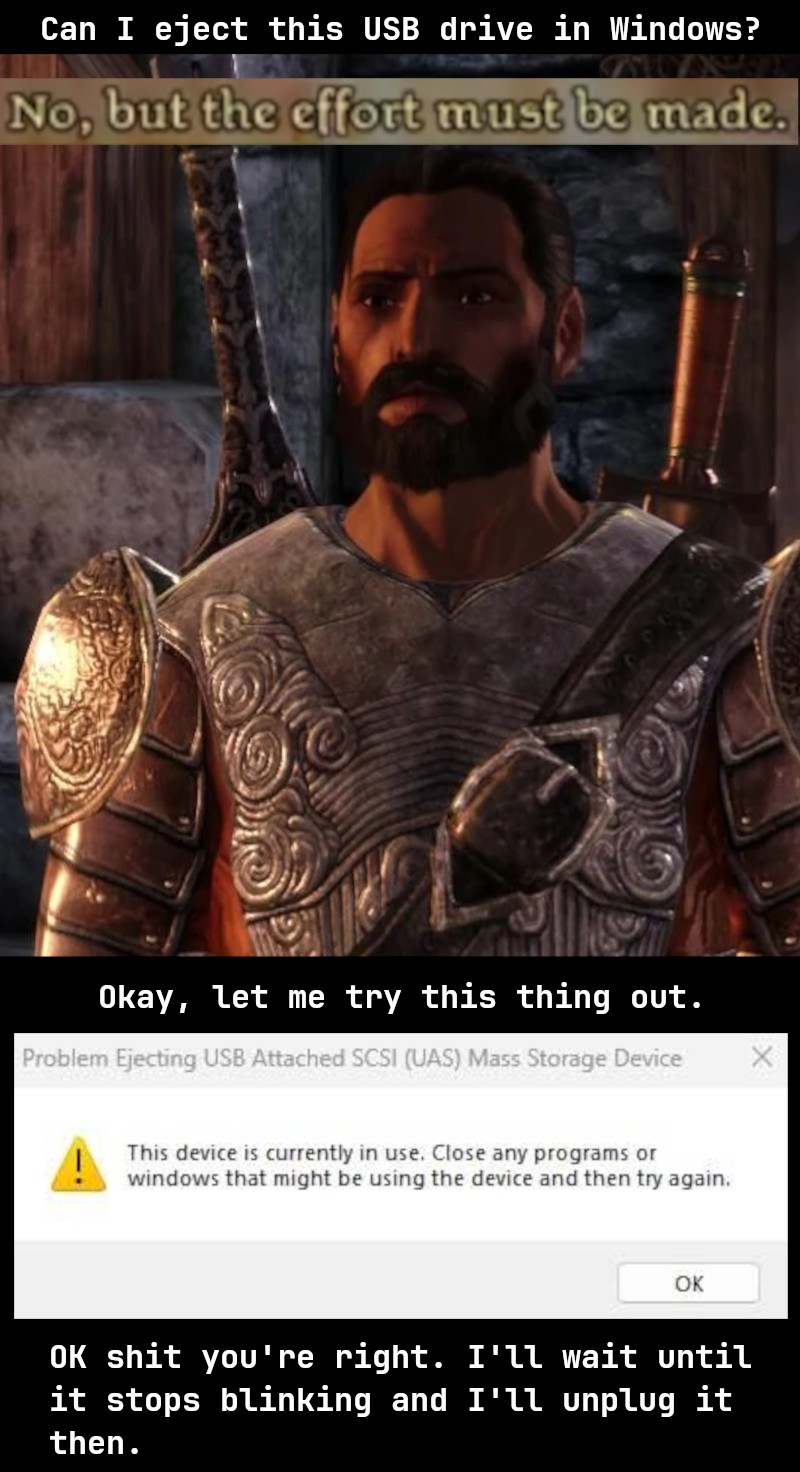
Rose@piefed.social to Programmer Humor@programming.devEnglish · 19 hours agoDuncan from Dragon Age is my source of wisdom.media.piefed.socialimagemessage-square16linkfedilinkarrow-up1135arrow-down14
arrow-up1131arrow-down1imageDuncan from Dragon Age is my source of wisdom.media.piefed.socialRose@piefed.social to Programmer Humor@programming.devEnglish · 19 hours agomessage-square16linkfedilink
minus-squareQuadratureSurfer@piefed.ziplinkfedilinkEnglisharrow-up28·14 hours agoI wish the tool from Windows PowerToys for figuring out what’s holding on to the drive came standard with the OS.
minus-squareAliOski@feddit.nllinkfedilinkarrow-up2·6 hours agoWait what? PowerToys has something like that? What is it called? Since when does that exist?
minus-squareQuadratureSurfer@piefed.ziplinkfedilinkEnglisharrow-up3·6 hours agoYou need to enable “File Locksmith” in PowerToys, then right click on the drive and select “What’s using this file?”. Edit: I know it’s existed for a few years at least, I’m not sure exactly when it was implemented.
minus-squareAliOski@feddit.nllinkfedilinkarrow-up3·5 hours agoAha interesting… I was aware of its existence but I always assumed it had something to do with encryption due to its name…
minus-squareHavatra@lemmy.ziplinkfedilinkEnglisharrow-up19·13 hours agoIt definitely should! The message of “close any programs that MIGHT be using this device” is so unhelpful, and it’s been like this since at least Windows 2000, I believe.


I wish the tool from Windows PowerToys for figuring out what’s holding on to the drive came standard with the OS.
Wait what? PowerToys has something like that? What is it called? Since when does that exist?
You need to enable “File Locksmith” in PowerToys, then right click on the drive and select “What’s using this file?”.
Edit: I know it’s existed for a few years at least, I’m not sure exactly when it was implemented.
Aha interesting… I was aware of its existence but I always assumed it had something to do with encryption due to its name…
It definitely should! The message of “close any programs that MIGHT be using this device” is so unhelpful, and it’s been like this since at least Windows 2000, I believe.
Oh, it was the explorer! 😞